
Themes
Made Men can look like a lot of different games. VIP members pick a theme for the whole game in Settings → Theme. Only the look changes: your art, stats, progress and every screen stay where they are.
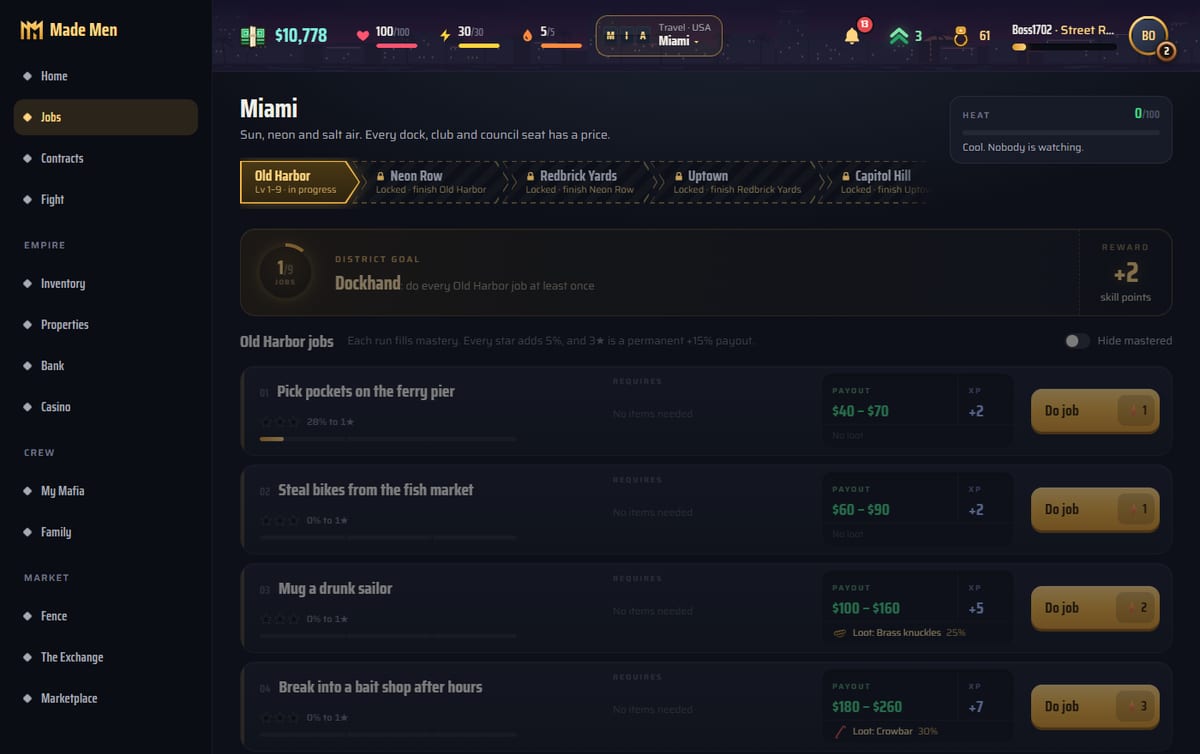
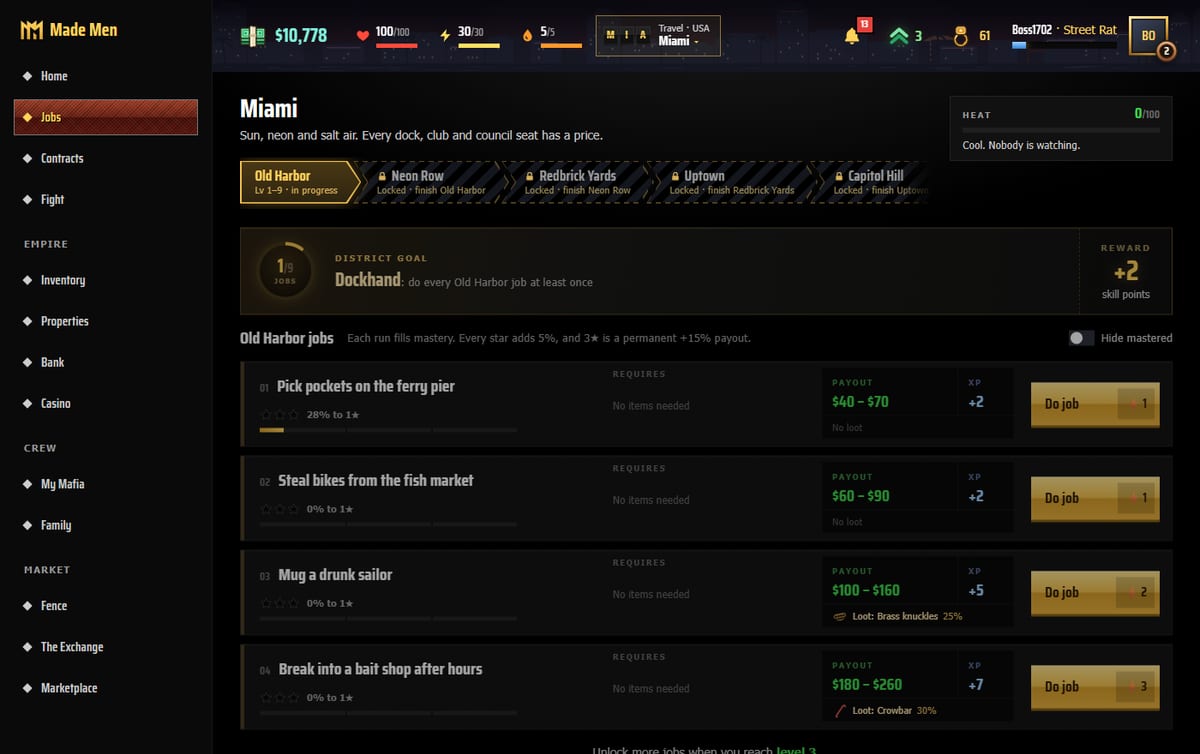
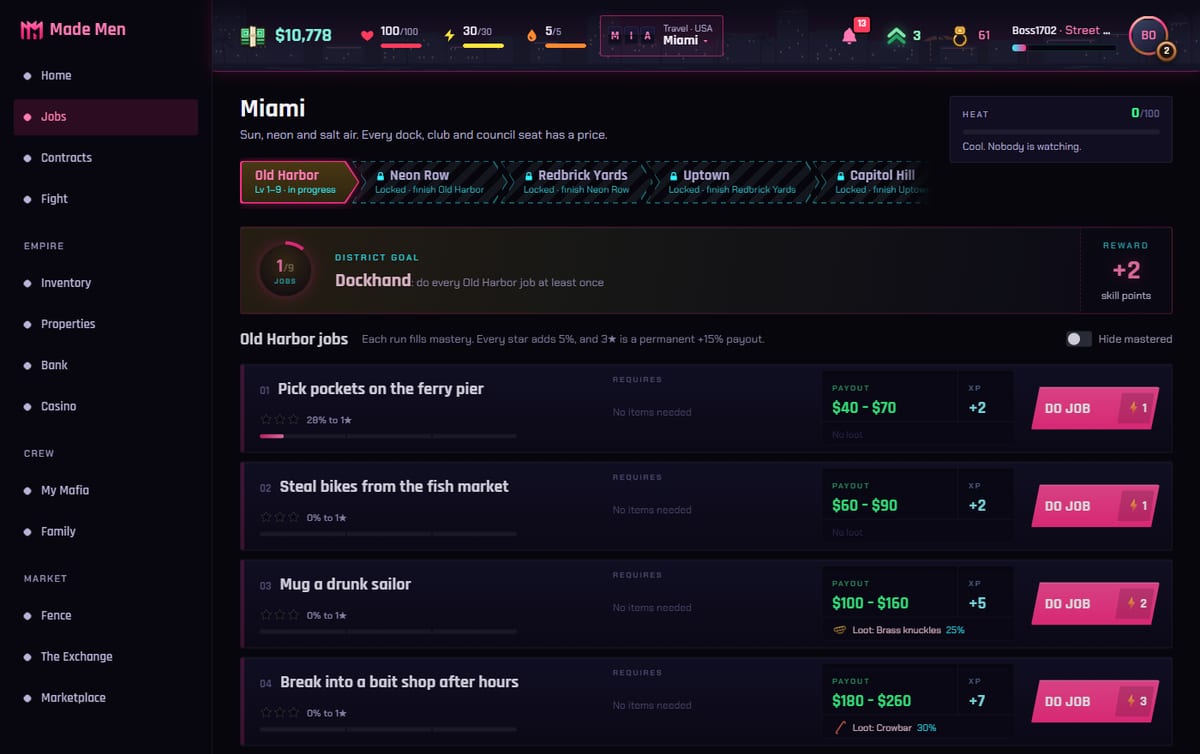
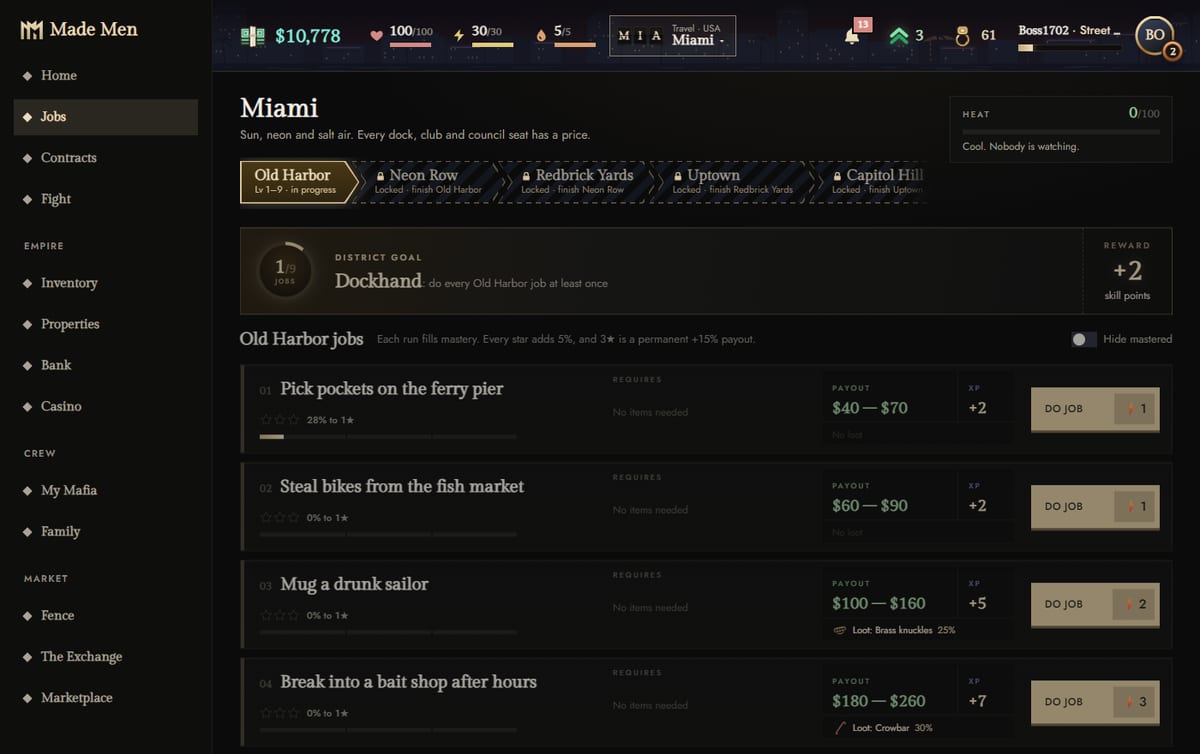
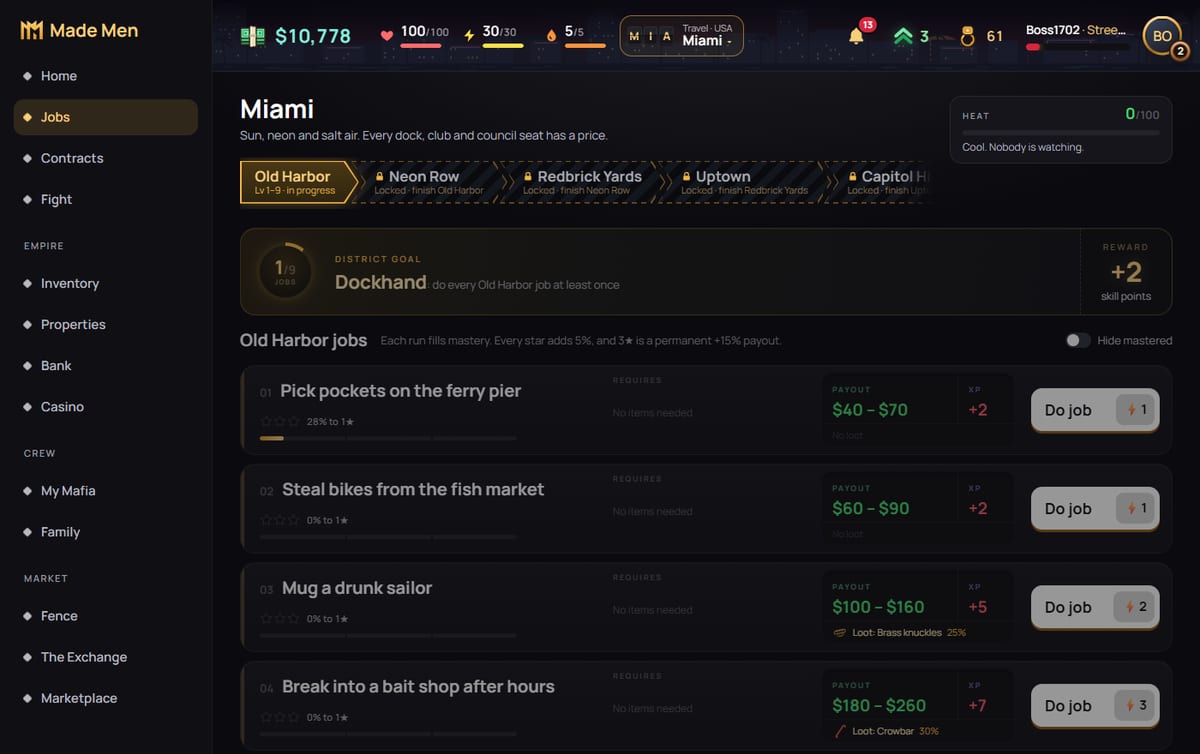
Every theme, on the Jobs page
The same page, the same player, the same jobs. Only the theme is different.
How to get a theme
- Become a VIP member. Themes come with Made Men VIP ($4.99 a month), next to a Favor every day, a second daily envelope and +10% XP on jobs. Get it in the Marketplace.
- Pick one in Settings → Theme. It's saved on your account, so it follows you to every device.
- Try it first. Anyone can preview a theme in Settings. The game changes while you're on the page and goes back when you leave.
- Switch back any time. Made Men, the default look, is always there.
Cities and countries still show
Each city in Made Men has its own colours, and Cuba has coral instead of gold. In a theme you keep a little of both, so Havana still feels like Havana and you can see you're abroad. If you'd rather have the theme's own colours everywhere, switch Cities and countries to Theme colours everywhere in Settings → Theme.
Good to know
- Themes don't change the game. No stats, odds or prices change. It's only how it looks.
- When VIP runs out the game goes back to Made Men. Your pick is kept and comes back when you renew.
- More themes may come later. Every VIP member gets them as they arrive.
See them in the gameMade Men is free in your browser. Open Settings → Theme to preview any of them.Play free